IMPORTANT! The item will no longer exist in Portal inventory but payment history can be found in Payment History by Item or various reports. Items should only be deleted if no longer needed or newer versions have been created.
In this example, a generic shirt item that's been replaced with unique shirts, will be deleted.
- Go to Inventory > Items.
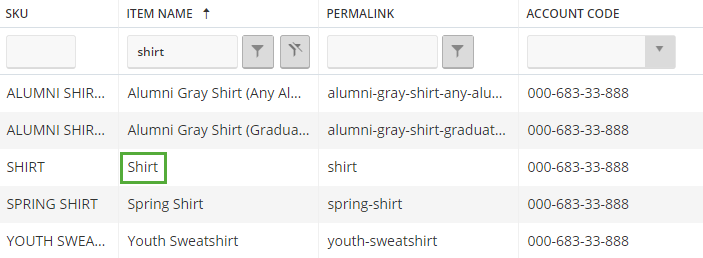
- Use the item name search field to locate the item. Confirm the SKU exactly matches the item that will be deleted.
- On the far right, there are three buttons: Edit, Copy, and Delete. Click the trash icon.

- Click OK to confirm.