Only users with appropriate security access will be able to change a Portal user’s email address.
- Go to CONTACTS.
- Use the search fields to locate the user.
- Double-click the user's row to edit.
- Next to Email, enter the new email address.
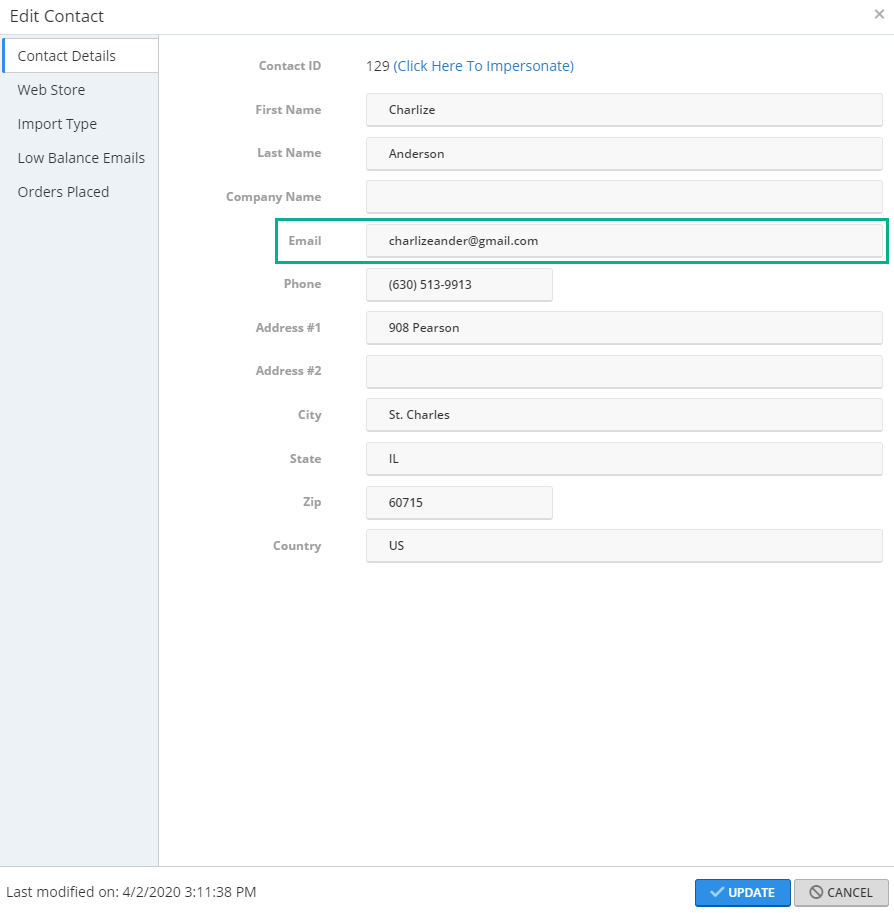
- Click UPDATE.