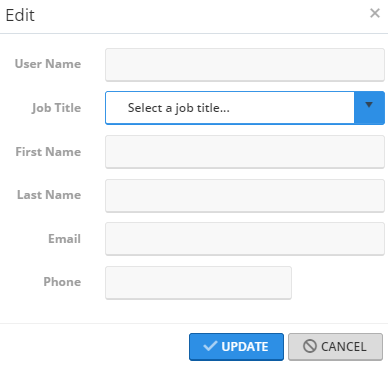
Add a User April 02, 2020 14:27 Updated Follow IMPORTANT! Only authorized users with appropriate access can manage users. Click SETTINGS > USERS. Click + NEW USER. Complete the fields. Click UPDATE. Related articles Look up a User Add an Import List Portal User Guides Add Multiple Contacts to Import List Back-to-School Resources